Network
TLDR
Perseus assumes that it will connect to a wifi network with SSID: "QUTRC-ROAR-LOCAL". All processes and nodes running should be able to operate via a network connection sharing a single 2.4 GHz wifi connection with a 20 MHz channel width. Whilst the rules allow for 40 Mhz bonding interference is possible. Assuming 20MHz means 802.11g which is 54 Mbps. This equates to a maximum usage network connection of 6.75 MBps. If bonding is used then 802.11n allows for up to 600 Mbps (this would require 4xMIMO) being 75 MBps.
Purpose
Some of the software written for Perseus will operate better if details of the network Perseus operates on are known. This file seeks to capture these details.
Wifi Network Assumptions
The wifi network that Perseus can see has the following attributes:
SSID for 2.4Ghz and 5Ghz: "QUTRC-ROAR-LOCAL"
Hard-wired ethernet operation also needs to be accommodated.
During competition, either of:
- 20 Mhz band on nominated Channel 1 or Channel 11
- 40 Mhz band on either 1-5 or 9-13
During Practice:
- 20 or 40 Mhz band centred on channel 6
Assumption: All systems need to be able to concurrently operate on 20 Mhz (Max ~97 Mbps)
Devices
All networking devices used are Unifi (with the exception of the small PoE switch on Perseus itself). This is because the user interface is very comprehensive and easy to customise if/when we want to change something. The devices currently used (as of 23/12/2025) are:
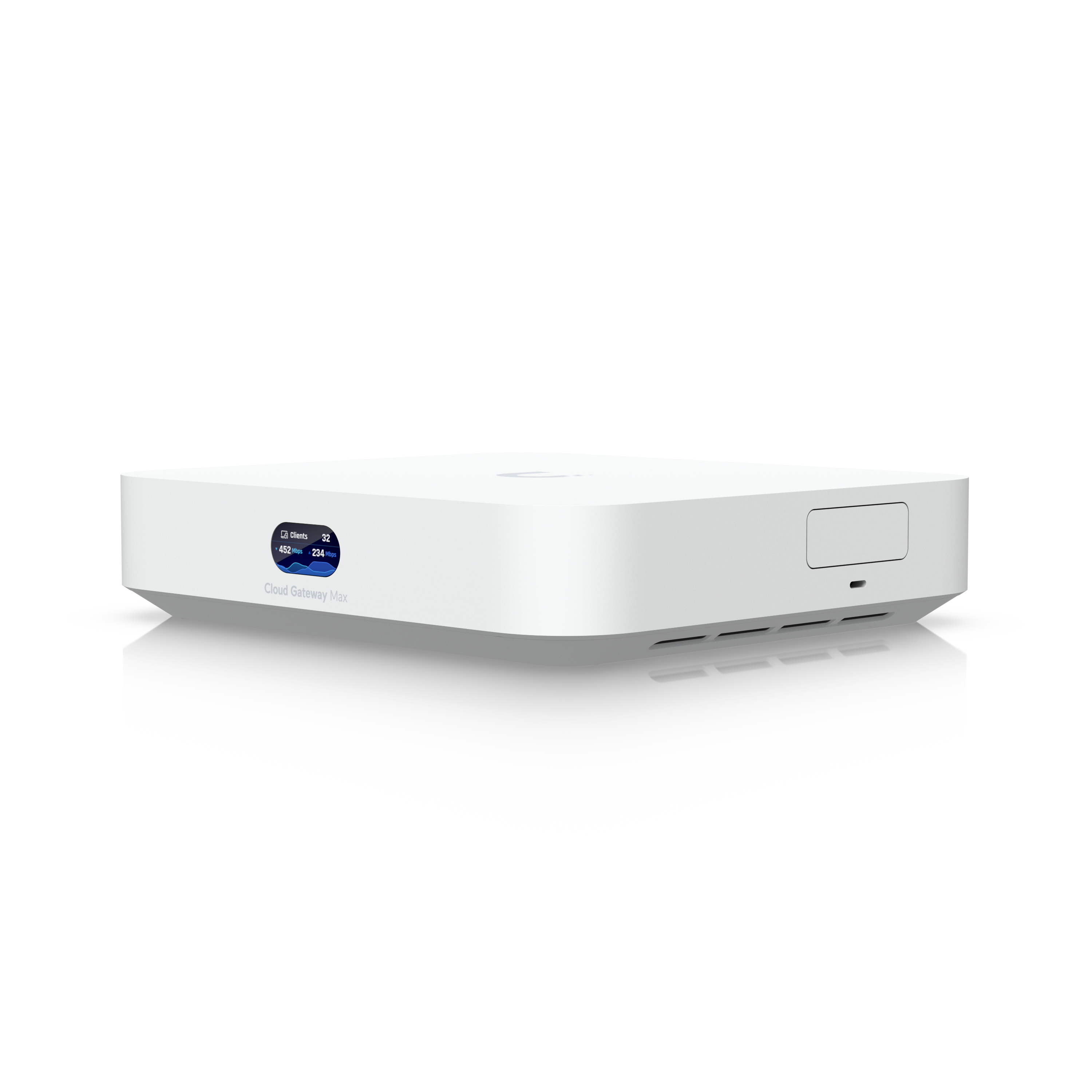
- Unifi Cloud Gateway Max (UCG Max)
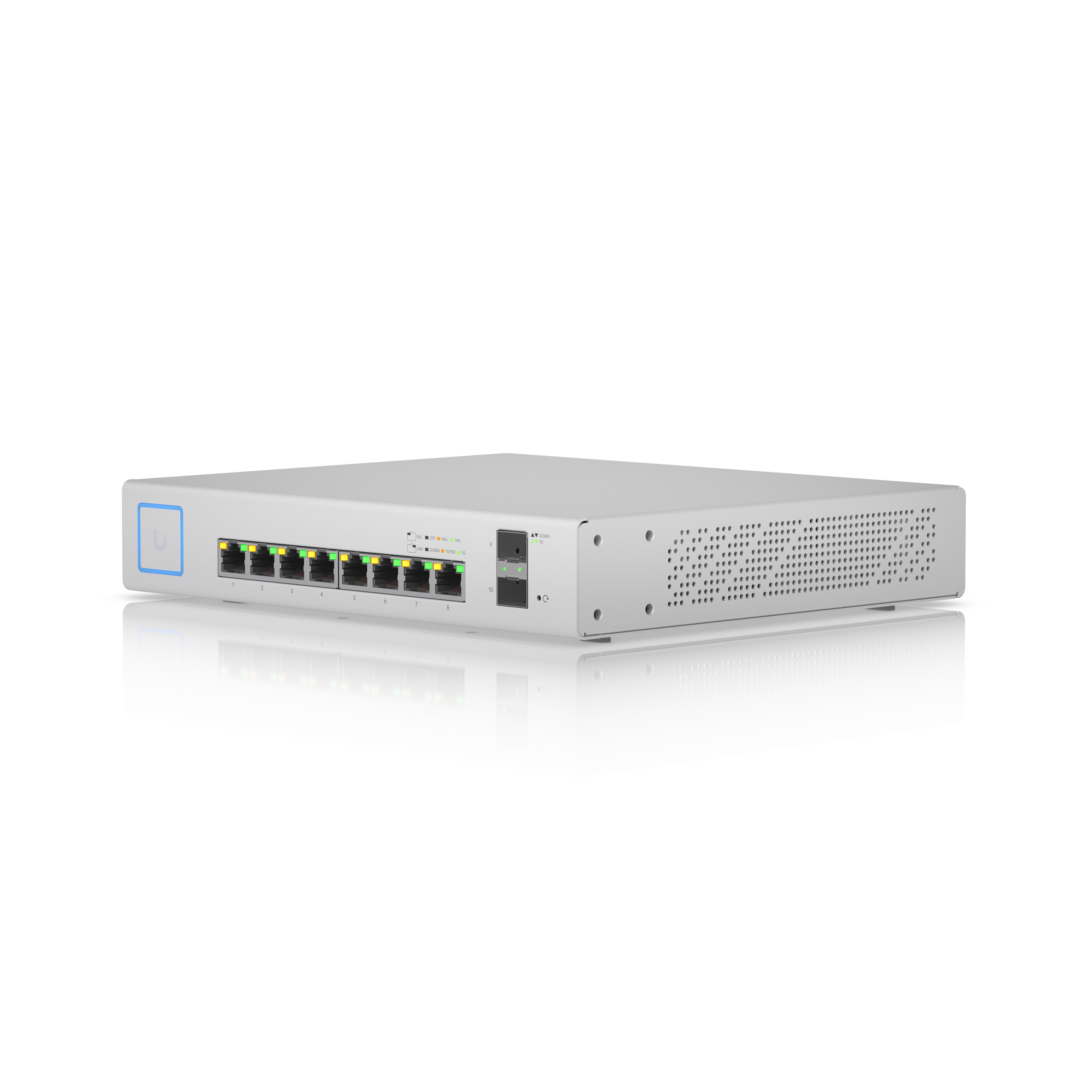
- Unifi Switch 8 Port PoE 150W (US 8 PoE)
- Unifi 7 Long Range Access Point (U7 Long Range)

- Unifi 7 Outdoor Antenna Access Point (U7 Outdoor)

Both the U7 Long Range and U7 Outdoor require Power over Ethernet. On-board Perseus, there is a small PoE switch that is used to power the U7 Long Range as well as connect Perseus' devices together. At base station, the U7 Outdoor is connected into the US 8 PoE switch, which is able to deliver PoE+ to the U7 Outdoor. The US 8 PoE switch is connected directly into the UCG Max, which is the controller of the network. Laptops are connected into the UCG Max or the US 8 PoE switch via ethernet, or via WiFi into a separate access point (AC Mesh - optional). A phone is connected via ethernet (through a USB-C to ethernet adapter) into the WAN port of the UCG Max, and set to give the network internet from the phone's data.
The U7 Outdoor is highly directional, so it is pointed directly into the arena to get the best signal to the U7 Long Range. The omnidirectional antennae can be attached for a wider signal, but this reduces the range.
When not at competition, the rover can use the Robots101 Unifi Express.
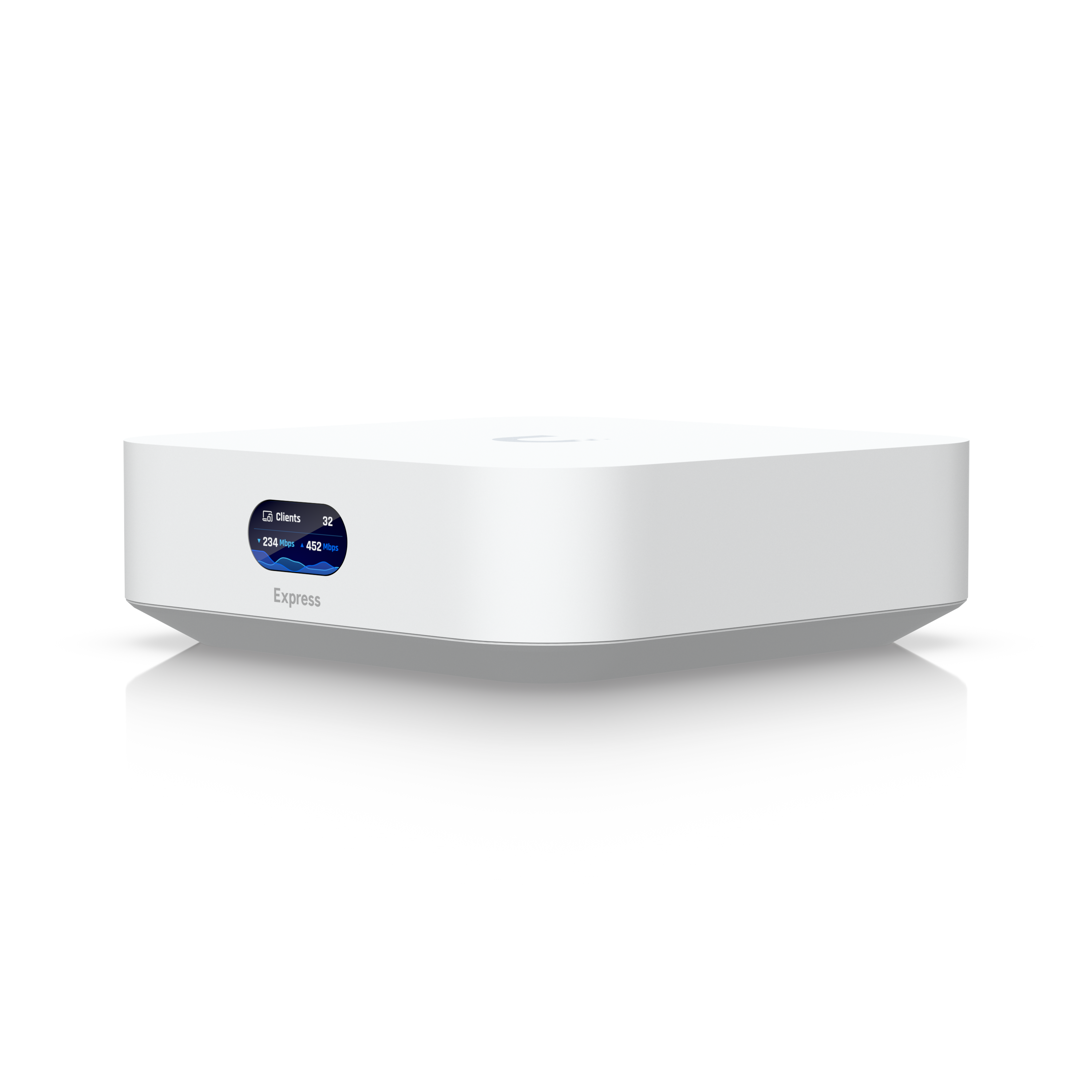
It is set up with the same SSID and password as the other Unifi hardware. It is plugged directly into the PoE switch on the rover, and can be used alone, without any of the other networking gear. It is powered through an XT30 to USB-C adapter attached to one of the XT30s in Perseus.